

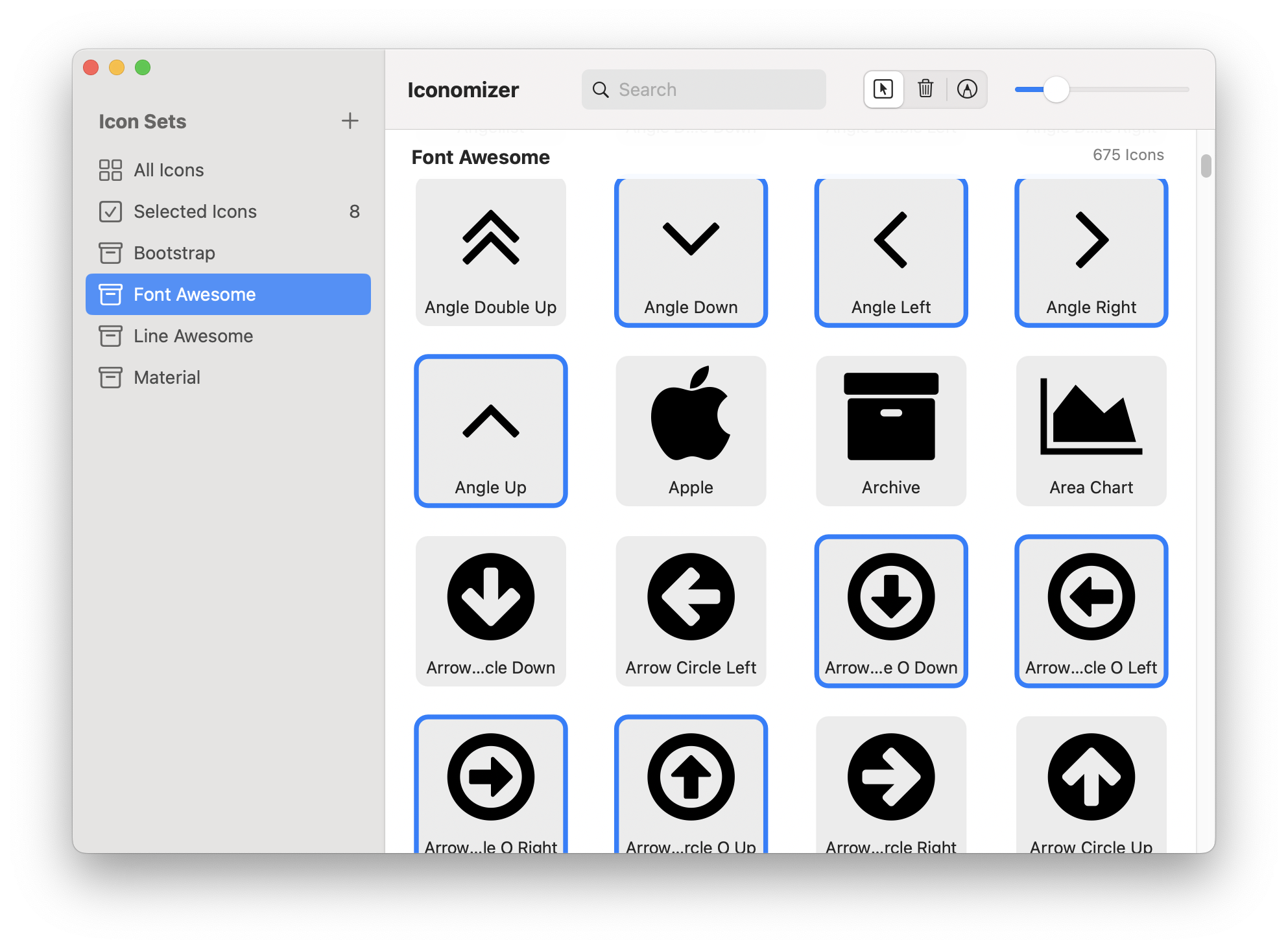
Get instant access to thousands of professional icons from Bootstrap, Material, Font Awesome, and 10 other popular open-source libraries. All with free licenses for your projects.
Drag and drop a folder of SVG icons to instantly create an organized icon set.
Search the entire Iconify.design catalog directly from within the app. Find icons from Material Design, Font Awesome, Heroicons, Lucide, Tabler, and 150+ other icon sets.
Rename icons for clarity, change colors for monochrome sets, or remove unwanted icons. Keep your library clean and organized.
Tag icons with keywords and create custom categories within icon sets.
Export selected icons as an SVG sprite or web font for web projects, or individual PNG/PDF/SVG files for design work.
Automatically backup your icon library to iCloud. When you upgrade to a new Mac, restore your entire collection with one click.
Try the Iconomizer Demo for free. If it meets your needs, purchase the full app on the Mac App Store.